Receipt-AI
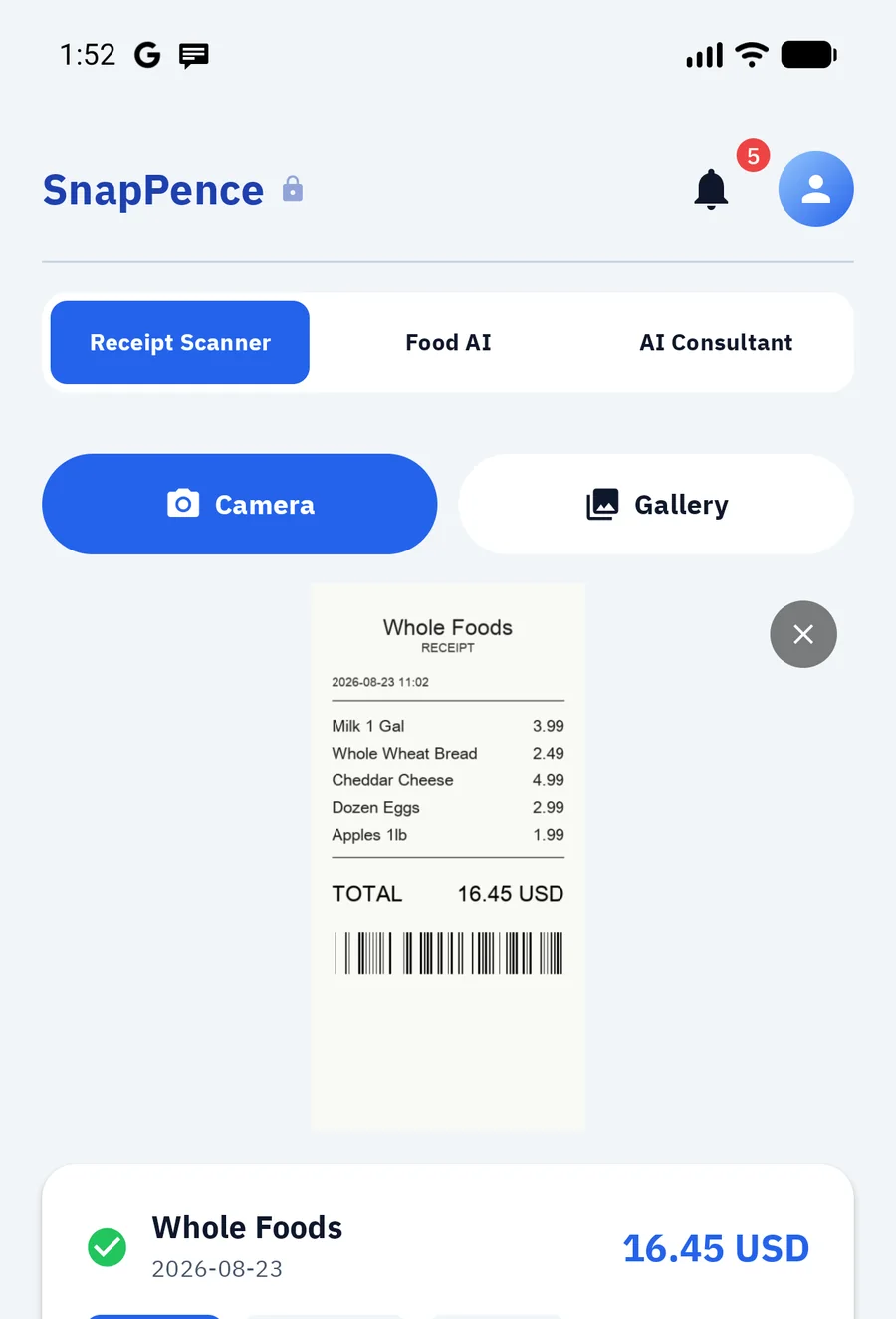
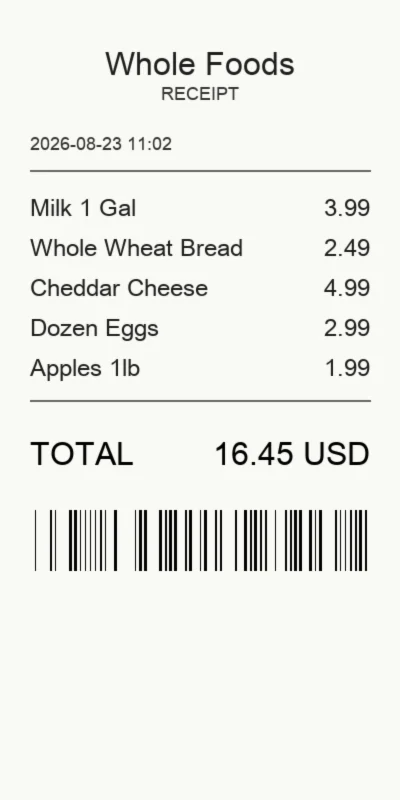
A receipt is not one amount. It is a list.
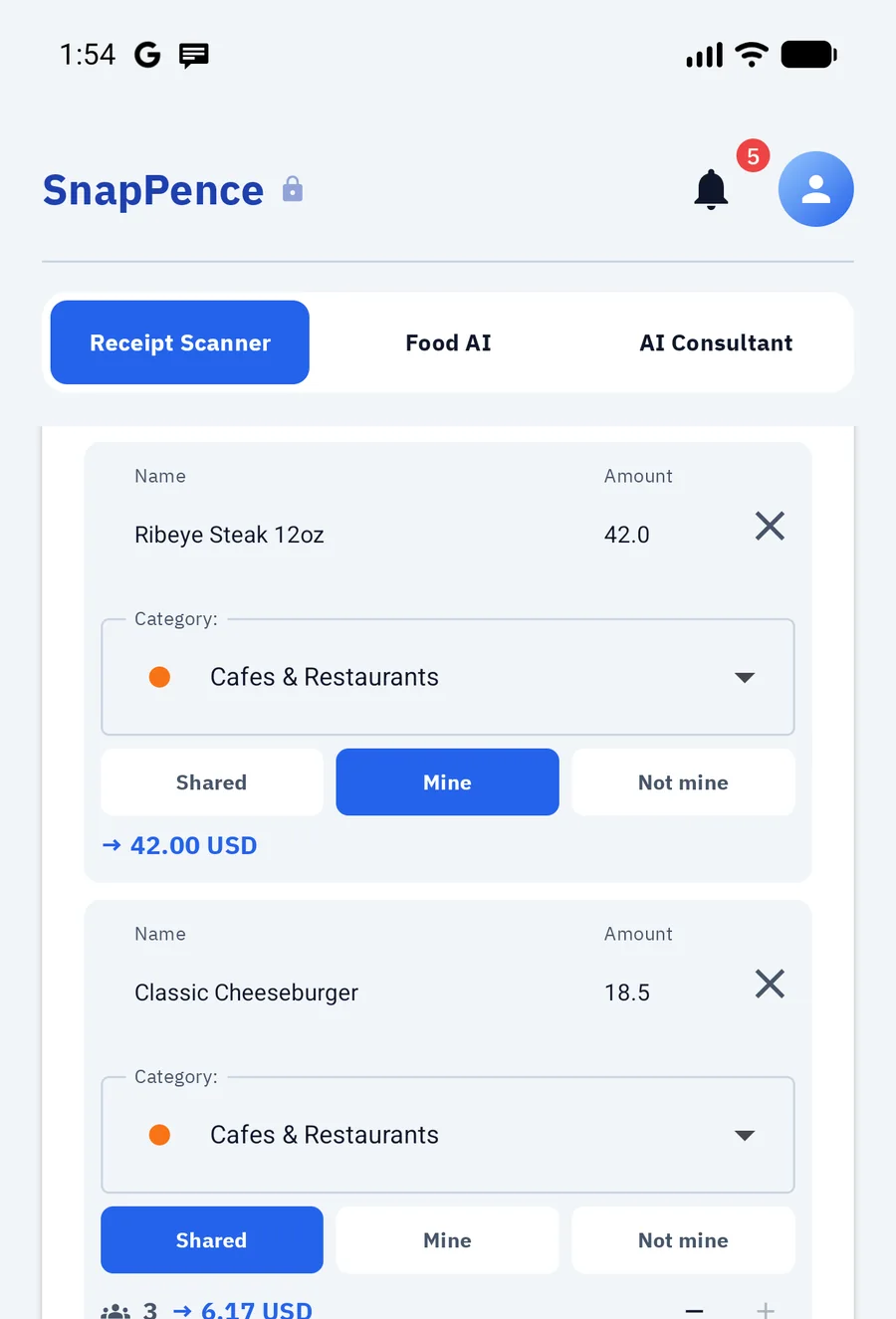
Milk, bread, cheese — every line gets its own category, so the month adds up to more than “groceries”. Prices, quantities and the currency come from the receipt.
 SnapPence
Photograph the receipt or say the expense out loud. SnapPence reads it line by line, picks a category for each item and writes it into your ledger. No bank connection, no forms to fill in.
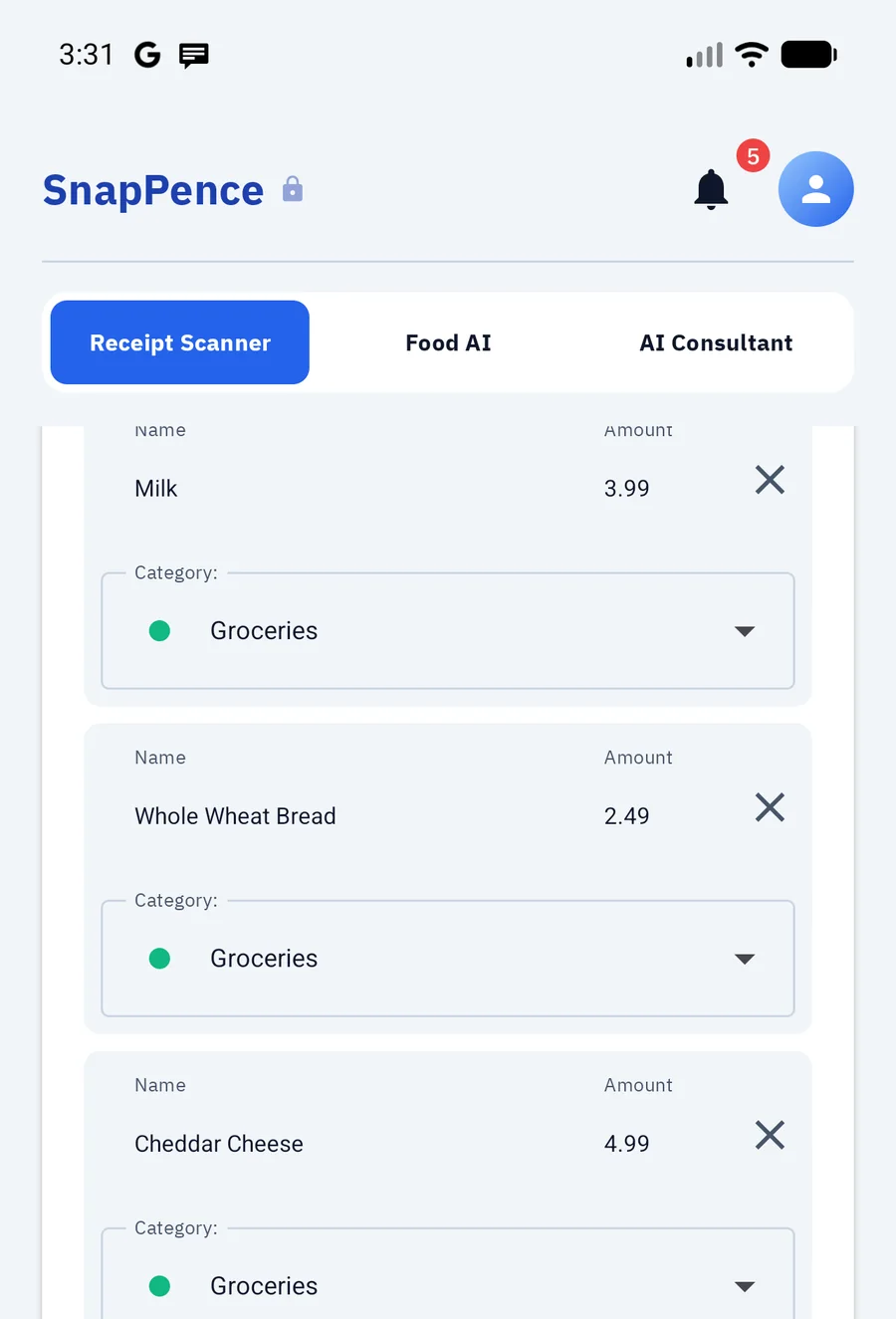
Milk, bread, cheese — every line gets its own category, so the month adds up to more than “groceries”. Prices, quantities and the currency come from the receipt.
Mark what was yours, what everyone shared, what you did not touch. Your share is counted from the actual dishes — and so are the calories.
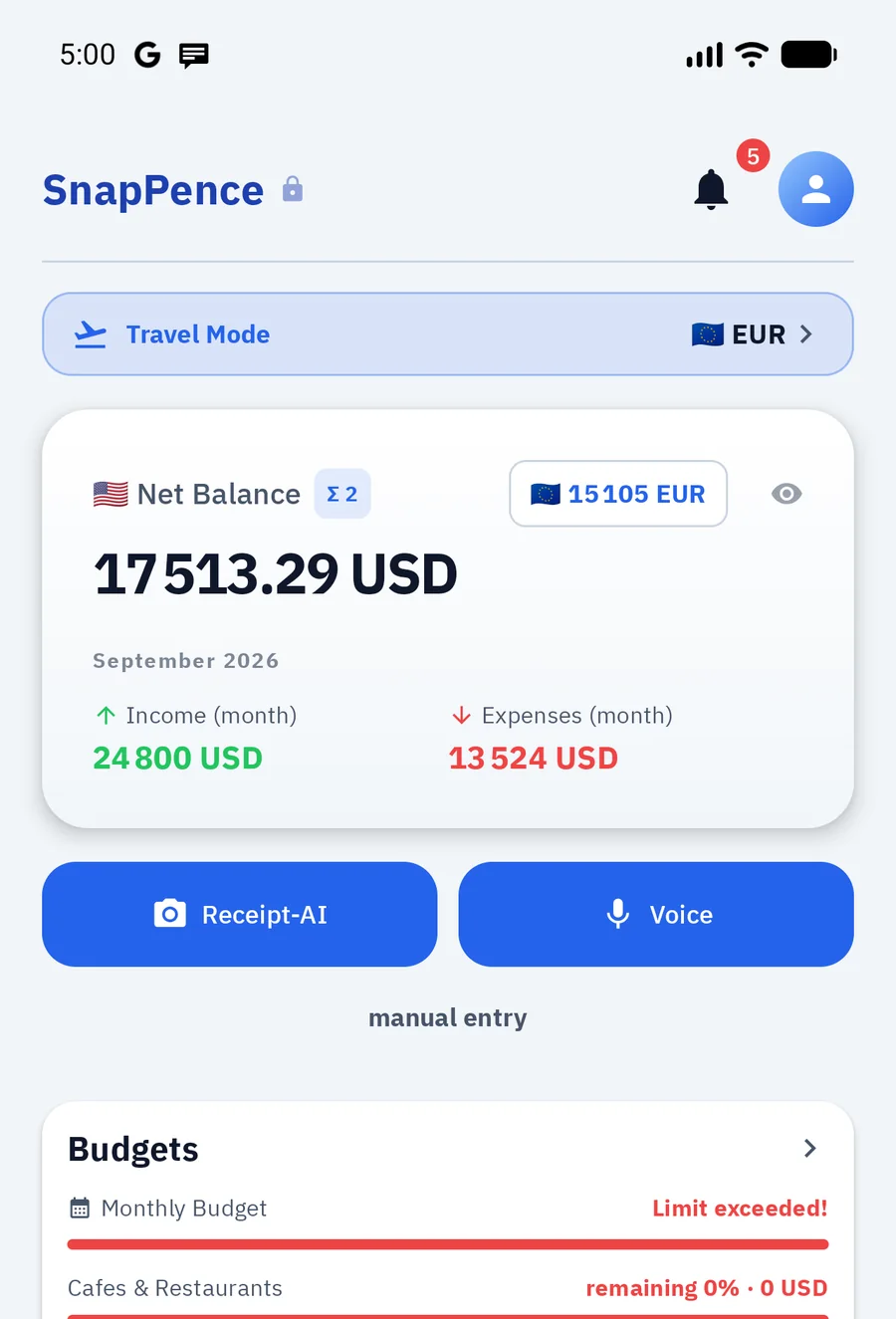
Keep the balance in your own currency and a second one beside it — useful when you earn in one and spend in another. Travel a few days on another currency and the app offers to switch: new entries default to it, and each amount keeps the rate of the day.
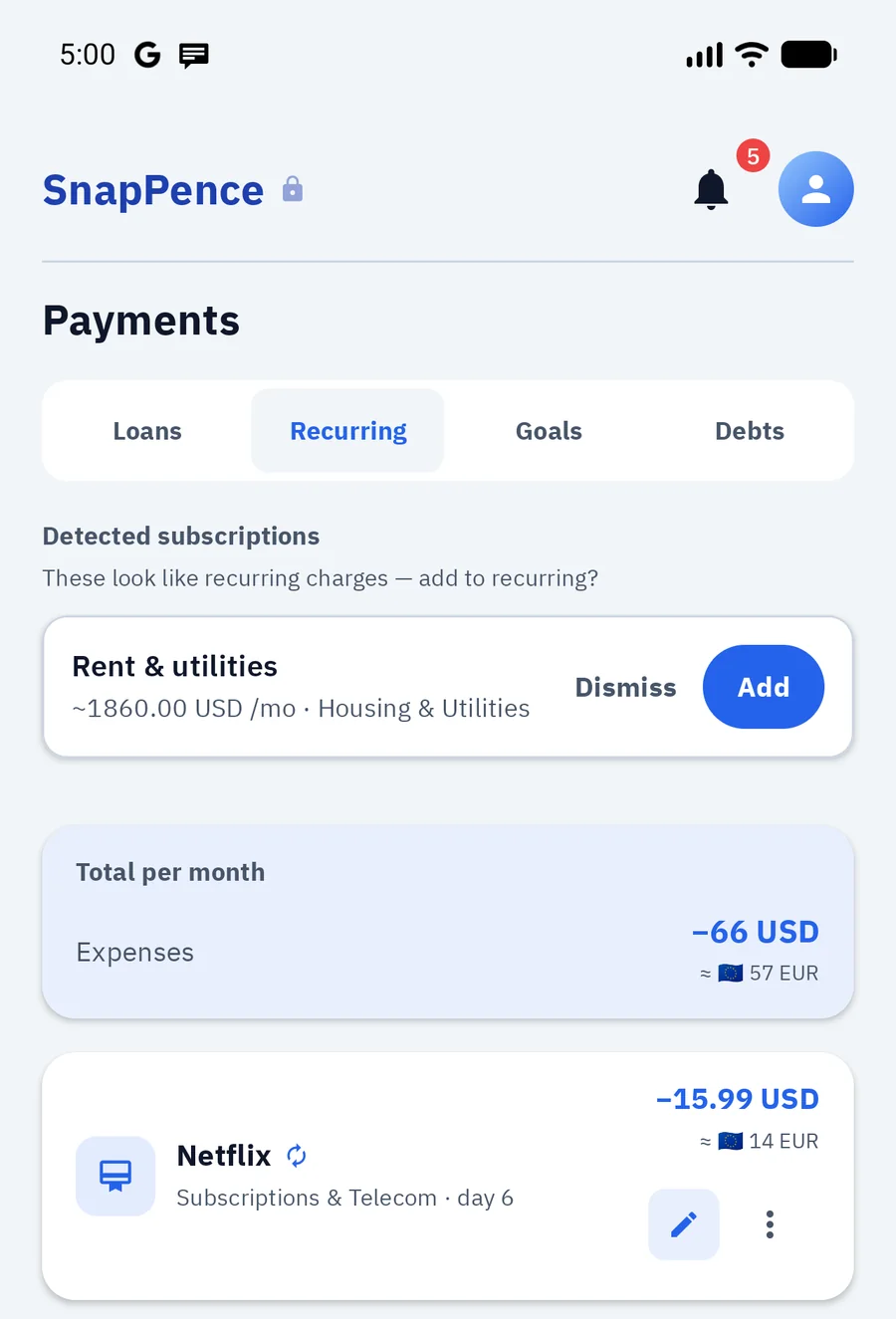
Rent, subscriptions and instalments in one place, with the monthly total — and in your second currency too. Recurring charges are found in your own history, so a subscription you forgot about surfaces on its own. Reminders come before the money leaves, not after.
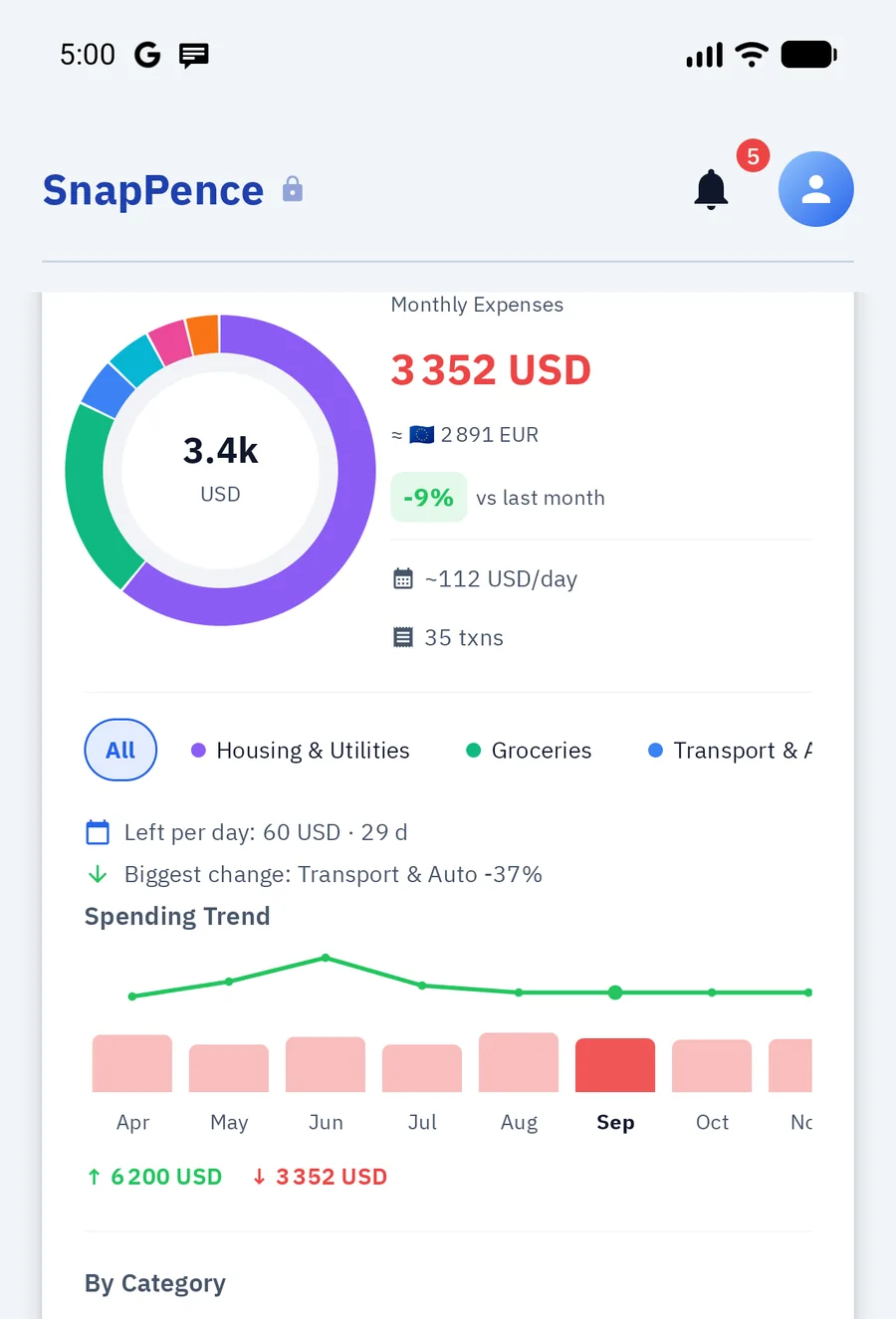
Spending by category and by day, the trend across months, limits that warn you before you cross them. Several currencies, each at the rate of the day you spent.
Say what you spent and it lands in the ledger with a category already picked. Debts, goals, transfers and budget limits work the same way — useful when there is no receipt and no time.
Spend a few days in another currency and the app offers to switch. Every amount keeps the rate of the day you spent it.
Bank statements come in as CSV or Excel, with duplicate detection — columns are recognised by content, not by their order. Your data goes out the same way, plus PDF reports.
Recurring charges are detected in your own history — no bank feed required. You decide what becomes a subscription.
Café receipts also carry calories; alcohol and cigarettes are counted against health guidance. Only what the receipt actually shows.
Savings goals and money lent between people, with reminders before the due date.
Corrections teach a model that runs on the device. Nothing is sent anywhere to make it work.
The database is encrypted on the device. It works with no bank connection at all, never asks for card details and shows no ads. The only thing that leaves the phone is a receipt photo you scan yourself — recognition runs in the cloud.
The interface, the categories and the receipt parser all work in the language you choose. Amounts stay in the currency you spent, converted at that day’s rate.
Bank access is not needed. You never hand over bank passwords, so there is nothing to authorise and nothing to revoke. A statement goes in as a file — CSV or Excel, with duplicates found for you.
It is sent for recognition through our server and not stored there after processing. It is not used to train public AI models. The parsed lines are written into the encrypted database on your phone.
Everything except recognition and exchange rates. Entry, budgets, reports, export and import work with no connection at all.
Nothing at launch. Everything that does not need AI — manual entry, accounts, budgets, reports, statement import and CSV export — is simply there. Receipt scanning and voice entry work from day one too, with a small daily allowance; a free trial raises it, starts only when you tap it and takes no card. Your records stay on your phone and stay yours either way.